Review and approve the team's time
Work the approval queue: approve the time your team submitted, or send it back with a reason.
Who this is for: managers and owners who review submitted time (by default — the owner can grant or withdraw the approval right per role in Settings → Permissions).
Steps
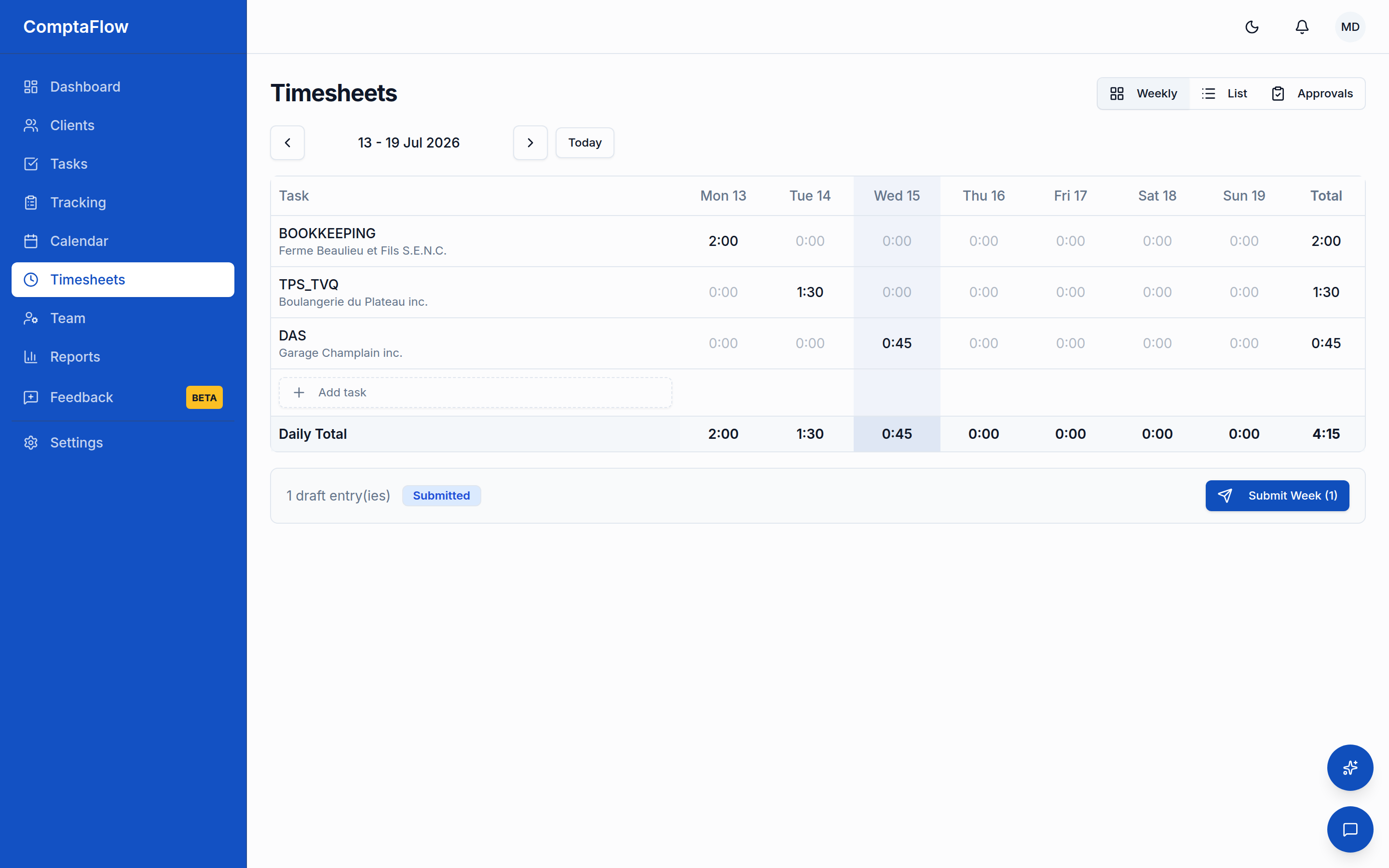
- Open the approval queue. It lists the entries your team has submitted for review.
- Review the submitted entries.
- To accept time, select the entries you want and approve them. The employee is notified. Approval is the final step of the review: an approved entry keeps its billable flag and hourly rate on record. If your firm's plan includes client invoicing, approved billable entries also join the client's unbilled time, ready to be billed from the Timesheets page (the Bill time button, for holders of the invoicing right). Once an entry is billed on an invoice it leaves the billable pool and stays tied to that invoice; it returns to the pool only if the invoice is voided or its draft is deleted.
- To send time back instead, select the entries, choose to reject, and enter a reason (up to 500 characters). The entry is returned to the employee, who sees your reason and can correct and resubmit it.
Role variations
- As an employee: by default you cannot approve or reject time. The approval queue belongs to whoever holds the approval right — managers and owners unless your firm's owner configured otherwise.
What can go wrong
- You did not give a reason when rejecting. A reason is required to reject an entry, and the employee sees it. Add a non-empty reason and try again.
- The entry is not in the Submitted state. You can only approve or reject entries that are currently submitted. An entry that is already approved, already rejected, or still a draft is not available to review.
Limits
- Opening the approval queue and approving or rejecting time require the approval right (managers and owners by default; configurable per role by the owner). Viewing another person's timesheet requires the separate view-others right.
- A rejection reason can be at most 500 characters.