See deadlines on the calendar
View your firm's task deadlines on a month calendar, filtered to what you care about.
Who this is for: all firm staff whose plan and role include the calendar.
Why it matters: the dates on this calendar are computed from the CRA and Revenu Québec rules, weekends and holidays included (each deadline follows the holiday calendar of the agency it belongs to). See understanding fiscal deadlines.
Before you start
- You need to be signed in.
- The calendar is a plan feature. If your firm's plan does not include it, the page tells you which plan unlocks it and links to billing.
- Your role needs the calendar permission. It is on by default for every role; the firm owner can turn it off per role.
Steps
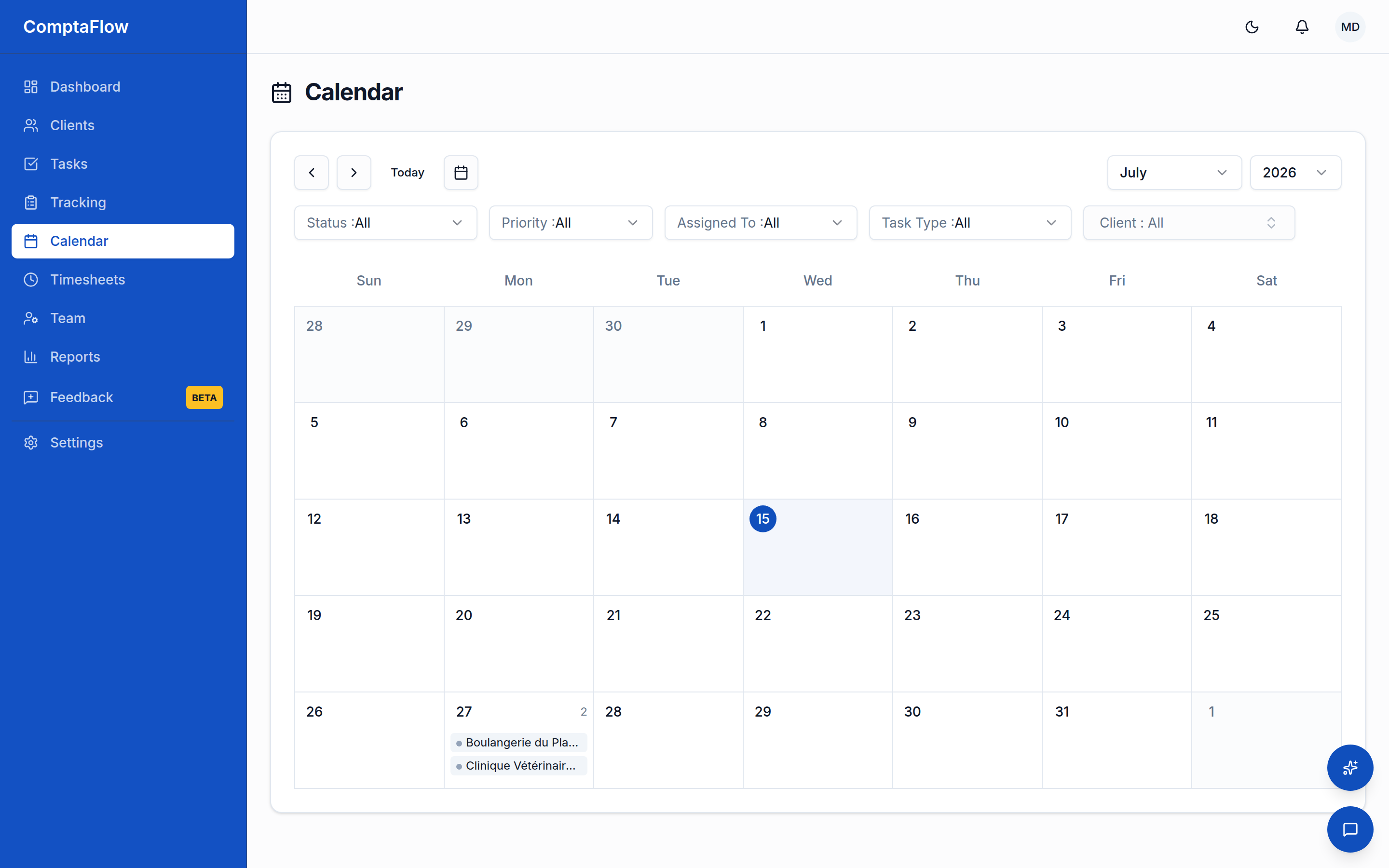
- Open the Calendar from the sidebar. Tasks appear on their due dates for the displayed month.
- Move around: previous/next month, the datepicker to jump anywhere, direct month and year selection, or Today to come back.
- Use the filters to narrow what is shown: status, priority, assignee, task type, and client.
- Click a task to open its detail, the same task view as the Tasks board, and work it from there (status, checklist, comments).
What can go wrong
- If you see an access-denied notice: your role's permissions exclude the calendar. The firm owner can change role permissions in settings.
- If you see an upgrade notice instead of the calendar: your firm's plan does not include the calendar view; the notice names the plan that does and links to billing.